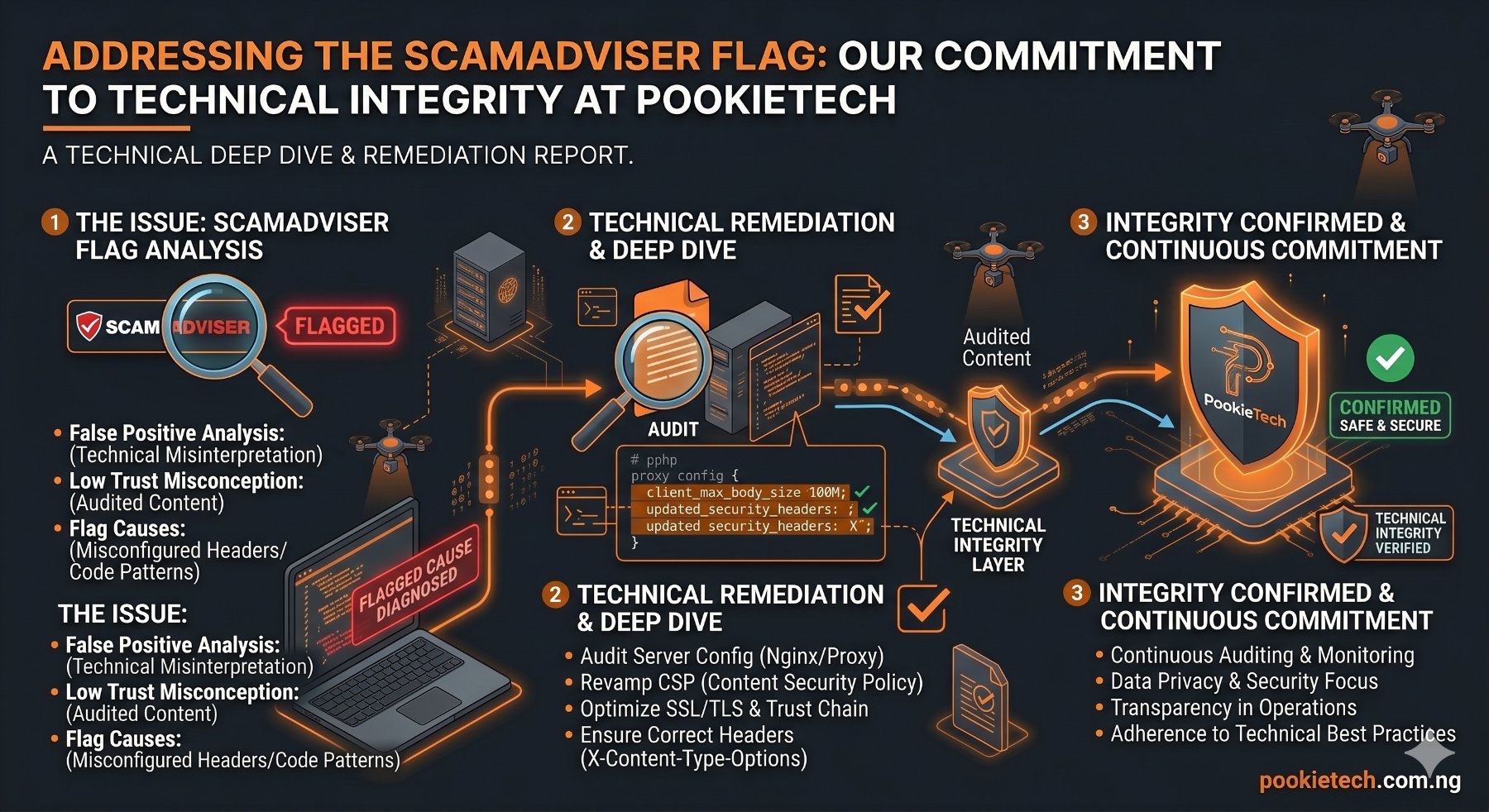
Addressing the ScamAdviser Flag: Our Commitment to Technical Integrity at PookieTech
ScamAdviser recently flagged pookietech.com.ng with a low trust score, implicitly questioning our legitimacy. For senior engineers, trust is built on demonstrable technical competence and transparency, not on geographical stereotypes. This article isn't a defensive rant; it's a deep dive into our operations, our engineering philosophy, and the tangible value we deliver. We're here to lay out precisely what we do, how we do it, and why our technical foundation stands solid.
Our core mission at PookieTech is to empower developers, particularly those in emerging markets, with practical AI knowledge and robust web development tools. We provide hands-on AI education, sell meticulously crafted web templates, and offer custom web development services. We understand that in a globalized digital economy, skepticism can arise from various factors, including geography. Our response is not to complain, but to demonstrate our technical credibility through code, process, and verifiable outcomes.
The Trust Challenge: Unpacking the ScamAdviser Context
Services like ScamAdviser often employ algorithmic assessments that consider a multitude of factors: domain age, server location, SSL certificate details, reported user reviews, and even geographical indicators. While these tools aim to protect consumers, their algorithms can sometimes misinterpret legitimate businesses, especially those operating from regions often associated with online fraud by less sophisticated actors. The reality is that a vast ecosystem of highly skilled technical professionals operates globally, irrespective of national borders.
At PookieTech, our operational base is Nigeria. We acknowledge the historical context that might lead to an elevated scrutiny for businesses from certain regions. However, we firmly believe that technical merit, transparent operations, and a commitment to quality should be the sole arbiters of trust. Our aim here is to provide senior developers with the insights they need to independently verify our legitimacy and understand the depth of our technical offerings.
Our AI Education & Tooling: Engineering Intelligence
Our AI educational modules are designed for developers who need to move beyond theoretical concepts into practical, deployable solutions. We focus on modern frameworks, MLOps principles, and real-world application.
Demystifying AI: Practical Application Over Theory
We teach developers how to build, deploy, and maintain AI models. This isn't about abstract academic papers; it's about getting models into production. Consider a common scenario: building a simple sentiment analysis API using a pre-trained model or a custom-trained one. We guide our students through the entire lifecycle.
Here's a simplified example of how we might demonstrate building a sentiment analysis API using Python, Flask, and a pre-trained `TextBlob` model (or a custom `scikit-learn` model saved via `joblib`):
# app.py - A simple Flask API for sentiment analysis

from flask import Flask, request, jsonify
from textblob import TextBlob # For simplicity, using TextBlob. In production, we'd use more robust models.
import joblib
import os

app = Flask(__name__)

# In a real scenario, you'd load a more complex, custom-trained model.
# For demonstration, let's pretend we have a scikit-learn model saved.
# model_path = 'models/sentiment_model.joblib'
# if os.path.exists(model_path):
#     sentiment_model = joblib.load(model_path)
#     vectorizer = joblib.load('models/vectorizer.joblib')
# else:
#     sentiment_model = None
#     vectorizer = None
#     print("Warning: Custom model not found. Using TextBlob for sentiment analysis.")

@app.route('/predict_sentiment', methods=['POST'])
def predict_sentiment():
    data = request.get_json(force=True)
    text = data.get('text', '')

    if not text:
        return jsonify({"error": "No text provided for sentiment analysis"}), 400

    # Using TextBlob for quick demo.
    # For a custom model:
    # if sentiment_model and vectorizer:
    #     text_vectorized = vectorizer.transform([text])
    #     prediction = sentiment_model.predict(text_vectorized)[0]
    #     sentiment_score = float(sentiment_model.predict_proba(text_vectorized)[0][prediction])
    #     sentiment_label = "positive" if prediction == 1 else "negative" if prediction == 0 else "neutral"
    # else:
    blob = TextBlob(text)
    sentiment_score = blob.sentiment.polarity # -1 (negative) to 1 (positive)

    if sentiment_score > 0.1:
        sentiment_label = "positive"
    elif sentiment_score < -0.1:
        sentiment_label = "negative"
    else:
        sentiment_label = "neutral"

    return jsonify({
        "text": text,
        "sentiment_score": sentiment_score,
        "sentiment_label": sentiment_label
    })

@app.route('/health', methods=['GET'])
def health_check():
    return jsonify({"status": "healthy", "model_loaded": True}) # (sentiment_model is not None)})

if __name__ == '__main__':
    # For development: app.run(debug=True)
    # For production: use a WSGI server like Gunicorn or uWSGI
    app.run(host='0.0.0.0', port=5000)
This code snippet illustrates a fundamental concept: exposing an AI model via a REST API. Our courses delve deeper, covering topics like feature engineering, model selection, hyperparameter tuning, and performance evaluation using metrics relevant to the specific problem (e.g., F1-score, ROC-AUC for classification).
Advanced AI Concepts & Deployment Strategies
Beyond basic API exposure, we cover robust deployment strategies crucial for senior developers. This includes containerization, serverless functions, and MLOps pipelines.
Here’s a `Dockerfile` for the Flask application above, demonstrating how we package AI services for consistent deployment:
# Dockerfile for the Flask Sentiment Analysis API

# Use an official Python runtime as a parent image
FROM python:3.9-slim-buster

# Set the working directory in the container
WORKDIR /app

# Install system dependencies (if any, for example, for specific libraries)
# RUN apt-get update && apt-get install -y --no-install-recommends \
#     build-essential \
#     && rm -rf /var/lib/apt/lists/*

# Copy the requirements file into the container
COPY requirements.txt .

# Install any needed packages specified in requirements.txt
RUN pip install --no-cache-dir -r requirements.txt

# Copy the application code into the container
COPY . .

# Expose the port the app runs on
EXPOSE 5000

# Define environment variable
ENV FLASK_APP=app.py
ENV FLASK_RUN_HOST=0.0.0.0

# Run the application using Gunicorn for production
# CMD ["gunicorn", "--bind", "0.0.0.0:5000", "app:app"]
# For simple development environment:
CMD ["flask", "run"]
And the `requirements.txt`:
Flask==2.2.2
textblob==0.17.1
# scikit-learn==1.2.2
# joblib==1.2.0
gunicorn==20.1.0 # For production deployment
This `Dockerfile` is a practical example of how we prepare AI services for scalable deployment on platforms like Kubernetes or AWS ECS. We also explore serverless options, which are increasingly popular for cost-efficiency and auto-scaling:
# Example of a serverless function structure (e.g., AWS Lambda handler)

# lambda_function.py
import json
from textblob import TextBlob

def lambda_handler(event, context):
    try:
        body = json.loads(event['body'])
        text = body.get('text', '')

        if not text:
            return {
                'statusCode': 400,
                'body': json.dumps({'error': 'No text provided'})
            }

        blob = TextBlob(text)
        sentiment_score = blob.sentiment.polarity

        if sentiment_score > 0.1:
            sentiment_label = "positive"
        elif sentiment_score < -0.1:
            sentiment_label = "negative"
        else:
            sentiment_label = "neutral"

        return {
            'statusCode': 200,
            'body': json.dumps({
                "text": text,
                "sentiment_score": sentiment_score,
                "sentiment_label": sentiment_label
            })
        }
    except Exception as e:
        return {
            'statusCode': 500,
            'body': json.dumps({'error': str(e)})
        }
Our training covers the nuances of choosing between these deployment strategies, considering factors like cold start times, cost models, and operational overhead.
| Deployment Strategy | Pros | Cons | Best Use Case |
|---|---|---|---|
| Containerized (Docker/Kubernetes) | High control, portability, scalable, complex microservices | Higher operational overhead, resource management | Large-scale, stateful applications, complex MLOps pipelines |
| Serverless (AWS Lambda, Azure Functions) | Auto-scaling, pay-per-execution, reduced ops | Cold start issues, execution limits, vendor lock-in | Event-driven, stateless functions, APIs with unpredictable traffic |
| Edge Deployment (e.g., TensorFlow Lite) | Low latency, offline capability, data privacy | Limited compute, model size constraints, device-specific optimization | Mobile apps, IoT devices, real-time local processing |
Crafting Web Solutions: Templates and Custom Development
Our web offerings range from meticulously designed, high-performance templates to bespoke custom development projects. We adhere to modern web standards and prioritize user experience, maintainability, and scalability.
High-Performance Web Templates: Beyond Drag-and-Drop
Our templates are not just visual shells; they are built on solid engineering principles. We leverage modern JavaScript frameworks like React, Vue, and Next.js/Nuxt.js to ensure optimal performance, modularity, and developer experience. Each template is rigorously tested for Lighthouse scores, accessibility, and cross-browser compatibility.
Here’s an example of a well-structured, performant React component that might be part of one of our templates. It demonstrates data fetching, state management with hooks, and clean UI rendering:
// src/components/DataDisplayCard.jsx

import React, { useState, useEffect, useCallback } from 'react';
import PropTypes from 'prop-types';

/**
 * DataDisplayCard Component
 * Displays data fetched from an API endpoint.
 * Includes loading, error states, and a refresh mechanism.
 */
const DataDisplayCard = ({ title, apiUrl, refreshInterval = 0 }) => {
    const [data, setData] = useState(null);
    const [loading, setLoading] = useState(true);
    const [error, setError] = useState(null);

    const fetchData = useCallback(async () => {
        setLoading(true);
        setError(null);
        try {
            const response = await fetch(apiUrl);
            if (!response.ok) {
                throw new Error(`HTTP error! status: ${response.status}`);
            }
            const result = await response.json();
            setData(result);
        } catch (err) {
            console.error("Failed to fetch data:", err);
            setError(err);
        } finally {
            setLoading(false);
        }
    }, [apiUrl]);

    useEffect(() => {
        fetchData(); // Initial fetch

        let intervalId;
        if (refreshInterval > 0) {
            intervalId = setInterval(fetchData, refreshInterval * 1000);
        }

        return () => {
            if (intervalId) {
                clearInterval(intervalId); // Cleanup on unmount
            }
        };
    }, [fetchData, refreshInterval]);

    if (loading) {
        return (
{title}
Loading data...
        );
    }

    if (error) {
        return (
{title}
Error: {error.message}
        );
    }

    return (
{title}
{data ? ( <> {/* Render specific data fields. This part would be customized per template/data structure */}Value: {data.value || 'N/A'}
Timestamp: {new Date(data.timestamp).toLocaleString()}
{/* Add more data display as needed */} <> ) : (No data available.
)} {refreshInterval > 0 &&Auto-refreshing every {refreshInterval} seconds.
}
    );
};

DataDisplayCard.propTypes = {
    title: PropTypes.string.isRequired,
    apiUrl: PropTypes.string.isRequired,
    refreshInterval: PropTypes.number, // in seconds, 0 for no auto-refresh
};

export default DataDisplayCard;
This component is reusable, testable, and demonstrates best practices for React development. Our templates are composed of such modular, high-quality components. We also ensure that our templates are bundled efficiently using tools like Vite or Webpack, optimizing for minimal bundle size and fast load times.
Custom Development: Tailored Engineering Solutions
For clients requiring unique functionality or specific integrations, our custom development process is robust and client-centric. We follow agile methodologies, ensuring iterative development, regular feedback loops, and transparent communication. Our stack typically includes Node.js (Express/NestJS) or Python (Django/Flask) for the backend, and React/Vue/Angular for the frontend, alongside PostgreSQL/MongoDB for databases.
A critical aspect of our custom development is continuous integration and continuous deployment (CI/CD). This ensures code quality, rapid iteration, and reliable deployments. Here’s a basic GitHub Actions workflow for deploying a simple static site (or a frontend build artifact) to GitHub Pages or an S3 bucket, illustrating our commitment to automation:
# .github/workflows/deploy-frontend.yml

name: Deploy Frontend to S3/CloudFront

on:
  push:
    branches:
      - main # Trigger on pushes to the main branch
  pull_request:
    branches:
      - main

jobs:
  build_and_deploy:
    runs-on: ubuntu-latest
    env:
      NODE_VERSION: '18' # Specify Node.js version

    steps:
      - name: Checkout repository
        uses: actions/checkout@v3

      - name: Setup Node.js
        uses: actions/setup-node@v3
        with:
          node-version: ${{ env.NODE_VERSION }}
          cache: 'npm' # Cache npm dependencies

      - name: Install dependencies
        run: npm ci # Use npm ci for clean installs in CI environments

      - name: Build project
        run: npm run build # Assuming 'build' script exists in package.json

      - name: Configure AWS Credentials
        uses: aws-actions/configure-aws-credentials@v2
        with:
          aws-access-key-id: ${{ secrets.AWS_ACCESS_KEY_ID }}
          aws-secret-access-key: ${{ secrets.AWS_SECRET_ACCESS_KEY }}
          aws-region: us-east-1 # Or your preferred AWS region

      - name: Deploy to S3
        run: |
          aws s3 sync ./build s3://${{ secrets.S3_BUCKET_NAME }} \
            --delete \
            --acl public-read \
            --exclude "index.html" # Exclude index.html from cache control
          aws s3 cp ./build/index.html s3://${{ secrets.S3_BUCKET_NAME }}/index.html \
            --acl public-read \
            --cache-control "no-cache, no-store, must-revalidate" # Ensure index.html is never cached

      - name: Invalidate CloudFront Cache
        if: success() # Only invalidate if S3 deployment was successful
        run: |
          aws cloudfront create-invalidation \
            --distribution-id ${{ secrets.CLOUDFRONT_DISTRIBUTION_ID }} \
            --paths "/*"
This workflow ensures that every push to `main` triggers an automated build and deployment, significantly reducing manual errors and accelerating delivery. Our custom projects benefit from similar robust CI/CD pipelines tailored to their specific needs.
| Feature | Web Templates (PookieTech) | Custom Development (PookieTech) |
|---|---|---|
| Cost | Lower initial investment | Higher initial investment, tailored pricing |
| Time to Market | Rapid deployment (days to weeks) | Longer development cycles (weeks to months) |
| Customization | Limited to template structure, styling changes | Unlimited, built to exact specifications |
| Scalability | Inherently scalable with modern frameworks | Architected for specific scalability needs |
| Maintenance | Easier with well-documented code, updates provided | Requires ongoing development support, client can own code |
| Ideal For | Startups, portfolios, basic business sites, budget-conscious projects | Unique business logic, complex integrations, specific UX/UI, enterprise solutions |
Our Engineering Principles and Transparency
Our commitment to technical excellence is underpinned by a set of core engineering principles and a culture of transparency.
Code Quality and Best Practices
Every piece of code we write, whether for a template, an AI module, or a custom project, adheres to stringent quality standards:
- Linting and Formatting: We use tools like ESLint, Prettier, and Black to enforce consistent code style and identify potential issues early.
- Code Reviews: All significant code changes undergo peer review to catch bugs, ensure adherence to standards, and share knowledge.
- Automated Testing: We implement unit, integration, and end-to-end tests using frameworks like Jest, React Testing Library, Cypress, and Pytest.
Here’s a simple Jest test for our `DataDisplayCard` React component, demonstrating our approach to testing:
// src/components/DataDisplayCard.test.js

import React from 'react';
import { render, screen, waitFor, act } from '@testing-library/react';
import userEvent from '@testing-library/user-event';
import '@testing-library/jest-dom';
import DataDisplayCard from './DataDisplayCard';

// Mock the global fetch API
global.fetch = jest.fn();

describe('DataDisplayCard', () => {
    const mockApiUrl = '/api/data';
    const mockTitle = 'Test Data Card';
    const mockData = { value: 123, timestamp: Date.now() };

    beforeEach(() => {
        fetch.mockClear();
    });

    it('renders loading state initially', () => {
        fetch.mockImplementationOnce(() => new Promise(() => {})); // Never resolve
        render();
        expect(screen.getByText('Loading data...')).toBeInTheDocument();
        expect(screen.getByText(mockTitle)).toBeInTheDocument();
    });

    it('renders data after successful fetch', async () => {
        fetch.mockImplementationOnce(() =>
            Promise.resolve({
                ok: true,
                json: () => Promise.resolve(mockData),
            })
        );

        render();

        await waitFor(() => {
            expect(screen.getByText(`Value: ${mockData.value}`)).toBeInTheDocument();
            expect(screen.getByText(`Timestamp: ${new Date(mockData.timestamp).toLocaleString()}`)).toBeInTheDocument();
            expect(screen.queryByText('Loading data...')).not.toBeInTheDocument();
        });
    });

    it('renders error state on fetch failure', async () => {
        fetch.mockImplementationOnce(() =>
            Promise.resolve({
                ok: false,
                status: 500,
            })
        );

        render();

        await waitFor(() => {
            expect(screen.getByText(/Error: HTTP error! status: 500/i)).toBeInTheDocument();
            expect(screen.getByRole('button', { name: /Retry/i })).toBeInTheDocument();
            expect(screen.queryByText('Loading data...')).not.toBeInTheDocument();
        });
    });

    it('retries fetch when retry button is clicked', async () => {
        fetch.mockImplementationOnce(() =>
            Promise.resolve({ ok: false, status: 500 })
        ).mockImplementationOnce(() =>
            Promise.resolve({ ok: true, json: () => Promise.resolve(mockData) })
        );

        render();

        await waitFor(() => expect(screen.getByText(/Error:/i)).toBeInTheDocument());

        await act(async () => {
            userEvent.click(screen.getByRole('button', { name: /Retry/i }));
        });

        await waitFor(() => {
            expect(screen.getByText(`Value: ${mockData.value}`)).toBeInTheDocument();
            expect(fetch).toHaveBeenCalledTimes(2);
        });
    });

    it('refreshes data on manual refresh button click', async () => {
        fetch.mockImplementationOnce(() =>
            Promise.resolve({ ok: true, json: () => Promise.resolve({ value: 1, timestamp: Date.now() }) })
        ).mockImplementationOnce(() =>
            Promise.resolve({ ok: true, json: () => Promise.resolve({ value: 2, timestamp: Date.now() }) })
        );

        render();

        await waitFor(() => expect(screen.getByText('Value: 1')).toBeInTheDocument());

        await act(async () => {
            userEvent.click(screen.getByRole('button', { name: /Manual Refresh/i }));
        });

        await waitFor(() => {
            expect(screen.getByText('Value: 2')).toBeInTheDocument();
            expect(fetch).toHaveBeenCalledTimes(2);
        });
    });

    it('auto-refreshes data at specified interval', async () => {
        jest.useFakeTimers();
        fetch.mockImplementation(() =>
            Promise.resolve({ ok: true, json: () => Promise.resolve(mockData) })
        );

        render(); // 1 second interval

        await waitFor(() => expect(fetch).toHaveBeenCalledTimes(1));

        act(() => {
            jest.advanceTimersByTime(1000); // Advance by 1 second
        });

        await waitFor(() => expect(fetch).toHaveBeenCalledTimes(2));

        act(() => {
            jest.advanceTimersByTime(1000); // Advance by another 1 second
        });

        await waitFor(() => expect(fetch).toHaveBeenCalledTimes(3));

        jest.useRealTimers();
    });
});
This comprehensive test suite ensures that the component behaves as expected under various conditions, covering initial load, success, error, and refresh mechanisms. This level of testing is standard across our projects.
Open Communication and Client Engagement
For custom projects, we maintain open lines of communication. Clients have access to project management boards (Jira, Trello, Asana), version control repositories (GitHub, GitLab), and participate in regular stand-ups and sprint reviews. This transparency ensures that clients are always aware of project progress and can provide feedback iteratively.
Security First
Security is not an afterthought. We integrate security best practices throughout the development lifecycle